

One of Kenneth Martin’s Works recreated and Animated for AP Computer Science Principles @ Hisar School 2023-2024
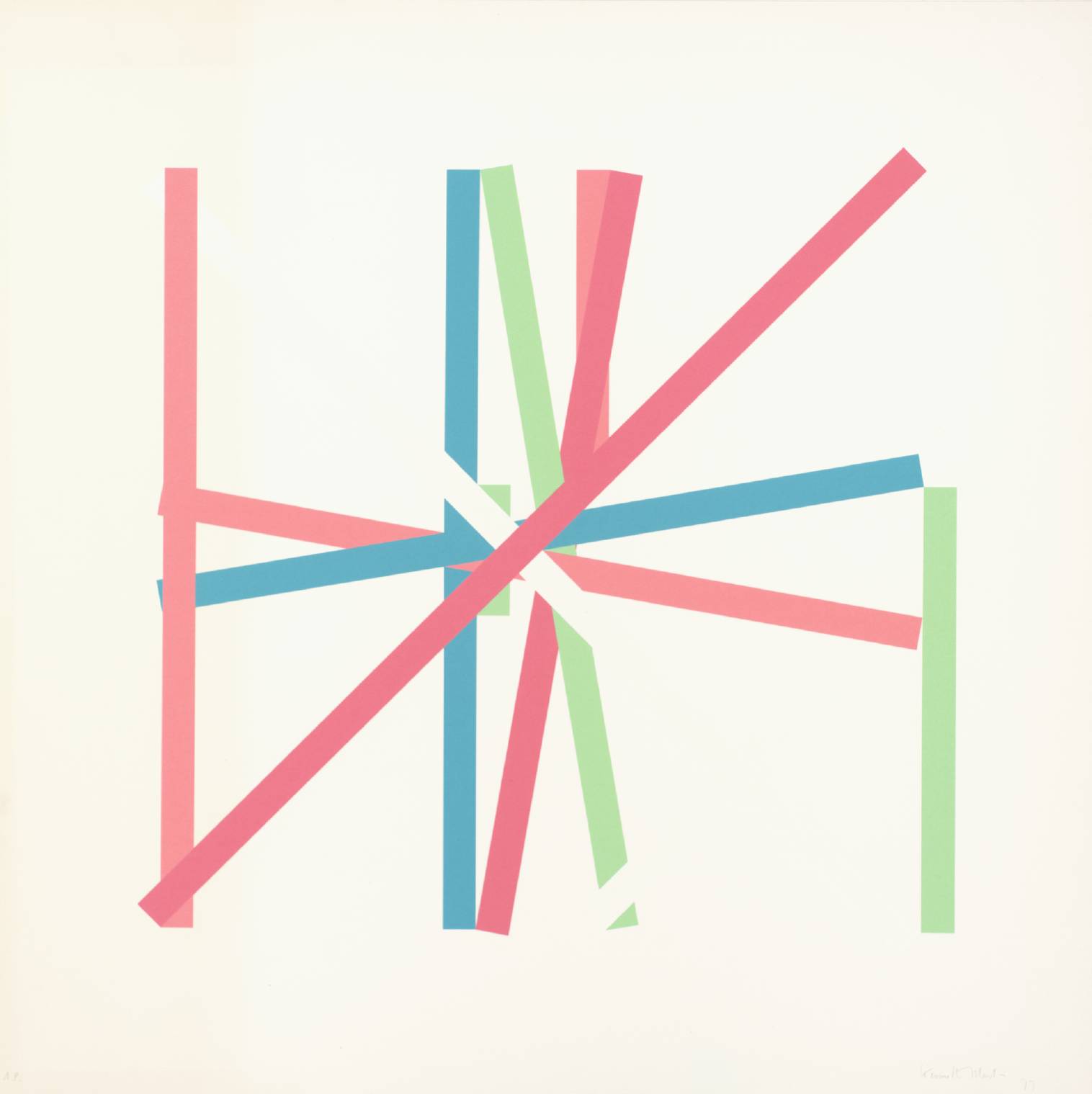
This project is Kenneth Martin’s 1977 work “Rotation ‘Frankfurt’ III” recreated and animated.
This project was made in Playgrounds using SwiftUI.
The art piece “Rotation ‘Frankfurt’ III”
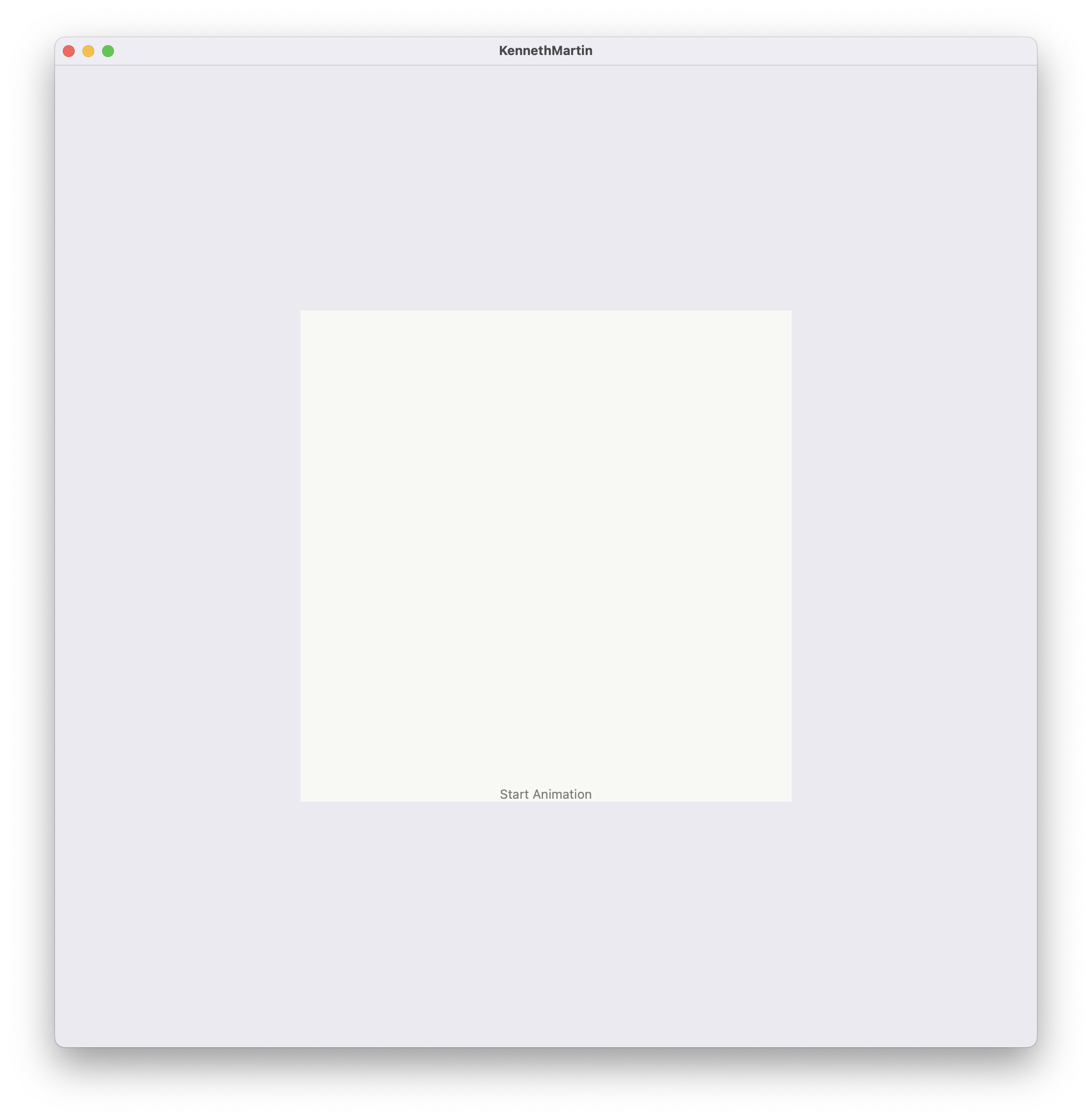
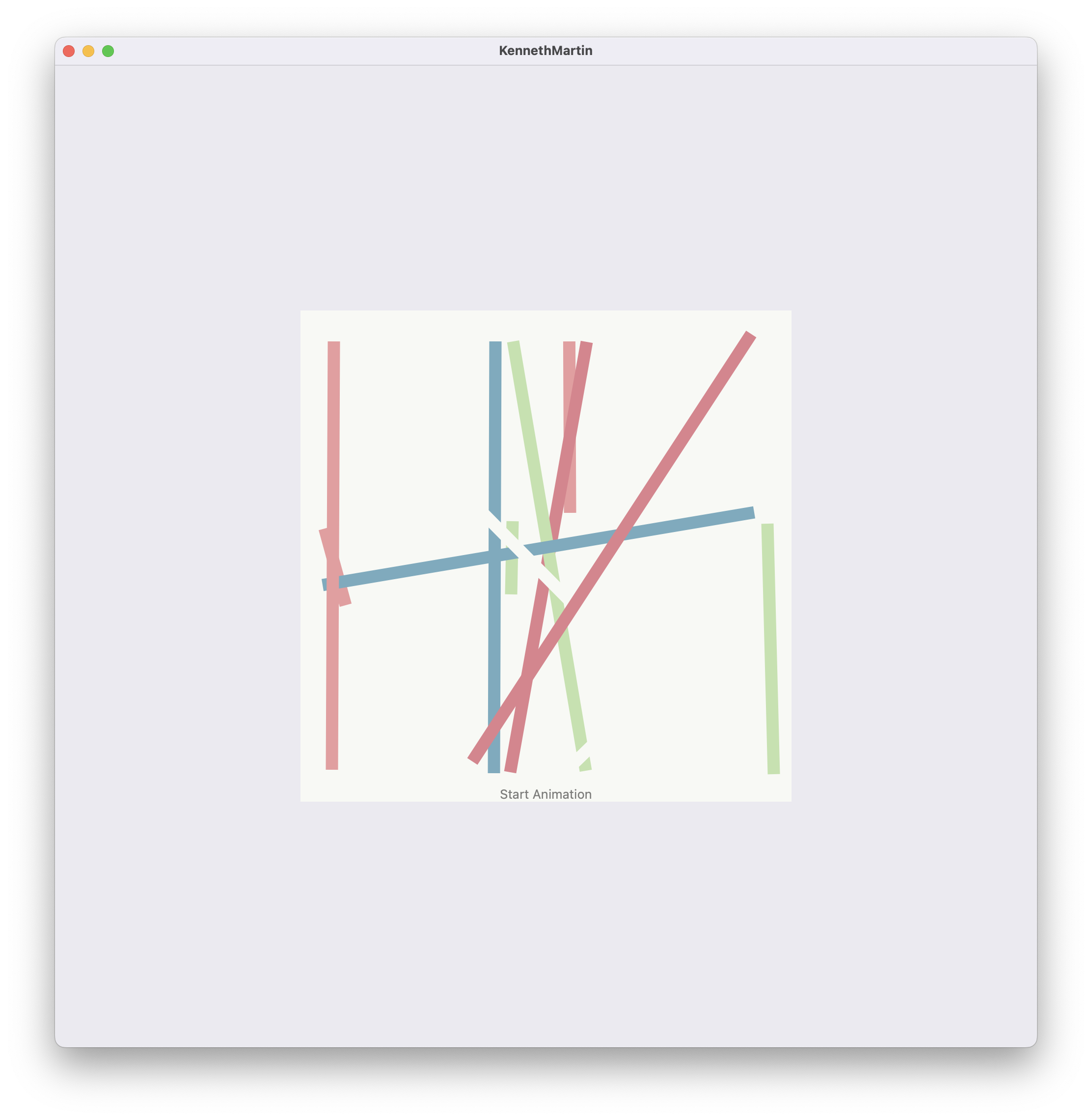
App Preview
| Start State of App | End State of App |
|---|---|
 |  |
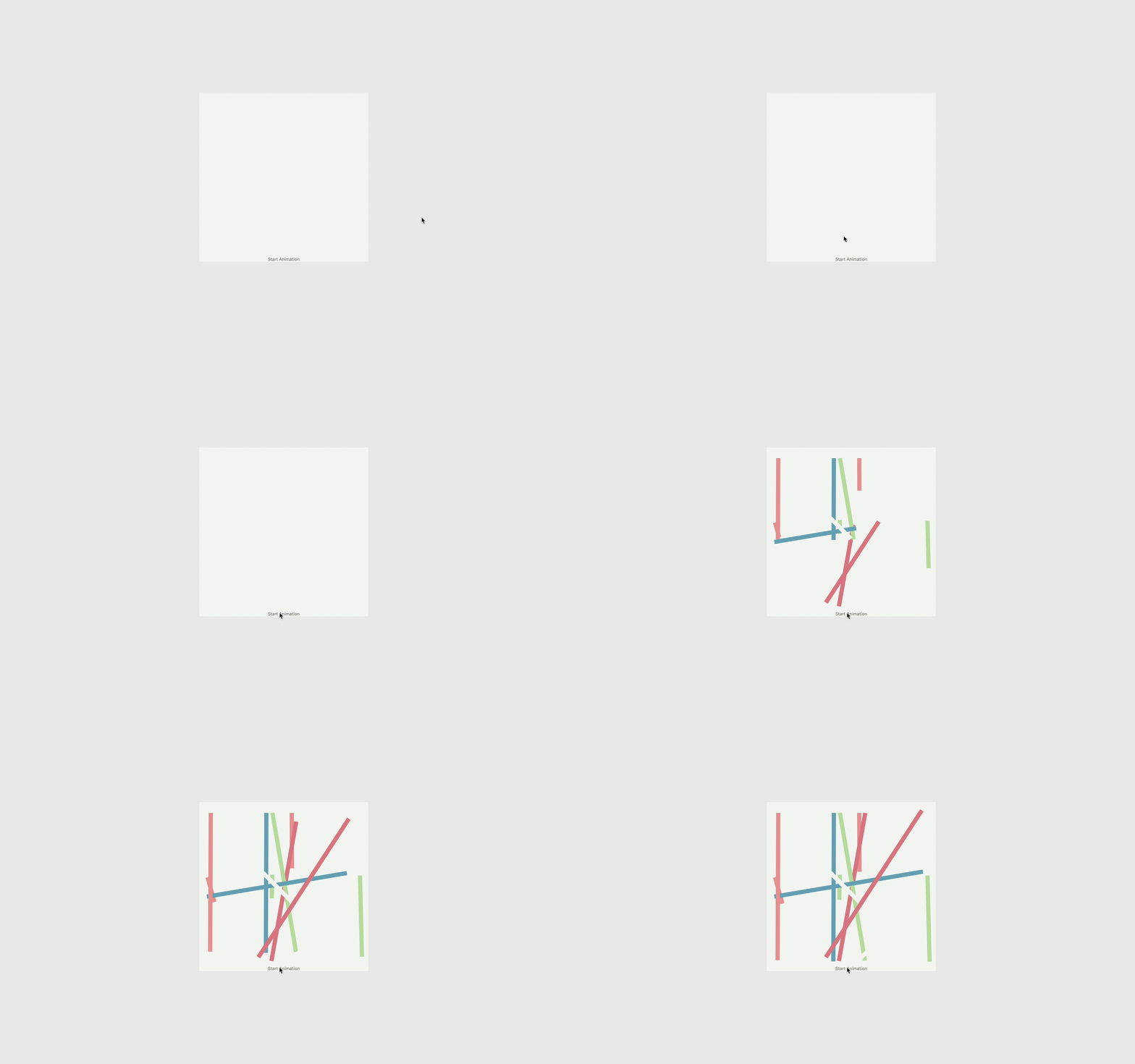
App in Motion
GeoGebra Graphing
The Project Recipe
-
Select the art piece you want to recreate and animate
-
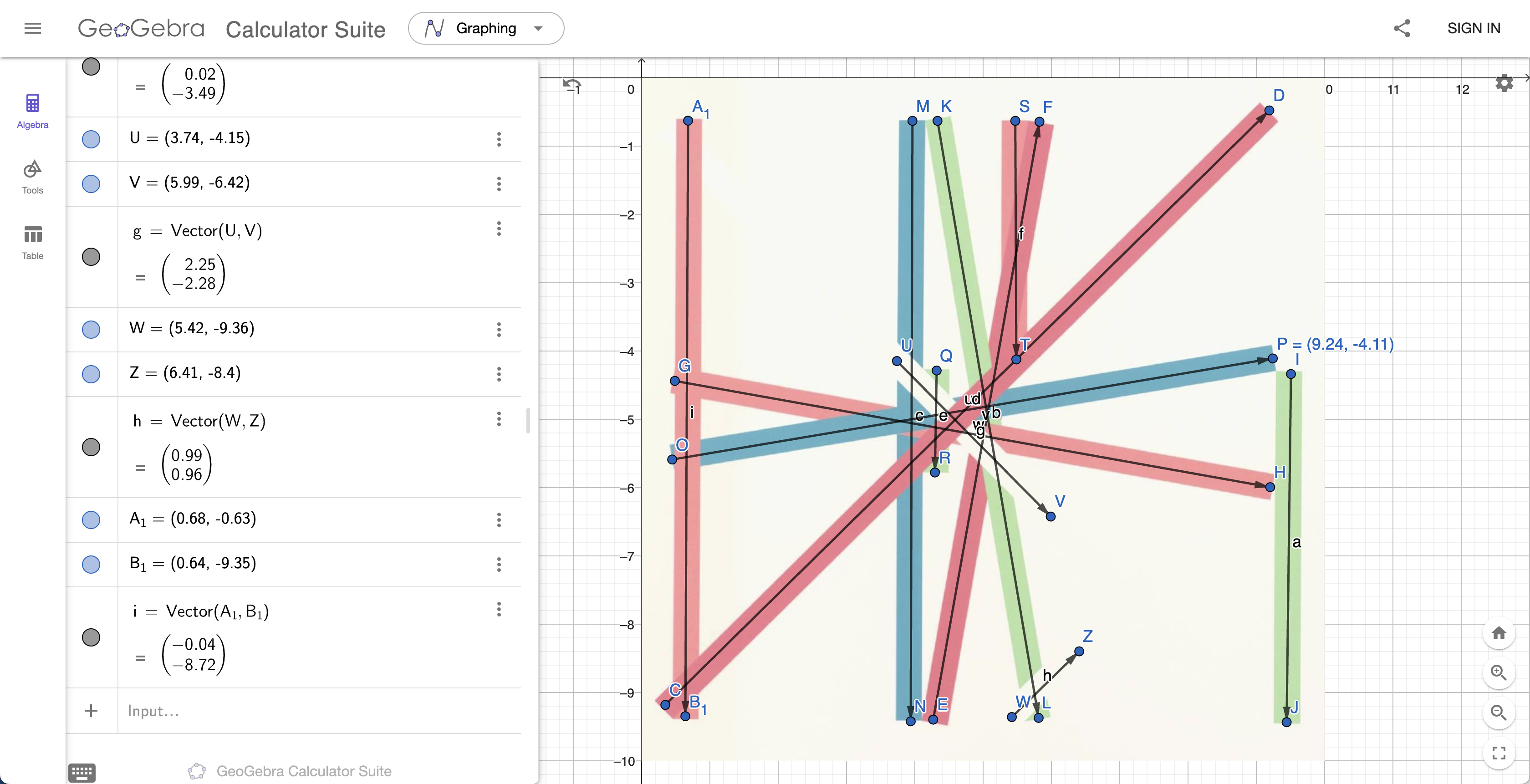
Put that into a Graphing Software such as Geogebra, the image should be placed in the fourth quadrant and its top left corner should be touching the origin point.
-
Start graphing over the image in the Graphing Software using vectors.
- You should end up with something like this.
-
By using the start and end points of the vectors, draw all of the lines under one path class and comment on them the name of the corresponding point in the software.
-
In your assets, create a color set for every color on the image inside a folder
- Colors in Frankfurt ‘Rotation’ III are
-
#73ACBF -
#C1E2AC -
#E0818D -
#EC9B9E -
#F8F9F5
-
- Colors in Frankfurt ‘Rotation’ III are
-
Start separating them into their own
Pathview to give them their own colors- When you get to separate 10 classes, put them in a group and continue outside the group.
- SwiftUI only allows 10 separate views to exist at once inside a main.
-
After separating their Path views and giving them their respective colors, create a
@StateCGFloatvariable and give it the value.zero. -
Add attribute
.trimto eachPathview- Inside the attribute, make it go from 0 to the
CGFloatvariable we created.
- Inside the attribute, make it go from 0 to the
-
Create a button that sets the
CGFloatvariable to 1- This will cause the trim attribute to trim the line from 0% to 100%.